StoqBox Enterprise
Everything your supermarket needs.
Even when the network fails.
Selling, stock, staff and reports on the Windows computers in your shop — one cashpoint or many, with or without internet. And the StoqBox Owner app puts it all on your phone.
| Product | Price | Quantity | Total |
|---|
Order Summary
Features
Every part of the shop.
In one place.
From the first scan at the counter to the report you read at night. Here is everything StoqBox Enterprise does today.
At the counter
Fast checkout, money counted exactly, and nothing leaves without being paid for.
Scan, charge, print.
Scan a barcode or search by name. Keep several sales open at once. Receipts print on any 80 mm receipt printer.
Cash, card, transfer — or all in one sale.
A split payment is recorded in its parts, to the kobo. Change only ever comes from cash, so the drawer stays right.
The count your cashier can't fake.
Each shift opens with the float and closes with a blind count: the cashier types what's in the drawer without seeing what should be there. Only managers see expected cash.
Expected ₦161,500 — float ₦20,000 + cash sales ₦143,500 − refunds ₦2,000
One receipt. One exit.
Every receipt carries a barcode. Scan it at the door: the second scan is refused, voided sales are refused, and staff purchases are marked.
A screen that sells while you sell.
A second screen faces your customers: your promotion slides while it's quiet, the live cart during a sale.
Deals that apply themselves.
Percentage off, money off, buy 2 get 1 — set once, applied at the cashpoint.
Rice by the kilo.
Weighed goods sell in kilograms, to three decimals.
Rice (loose) · ₦1,900/kg = ₦4,465.00
Customers check prices themselves.
A scanner on the shop floor shows the name and price — and saves your staff the walk.
Peak Milk 400g · scanned just now
Stock
Know what's on the shelf, what's coming in, and what's about to go bad.
Every product, organised.
Categories, units, cost and selling price, reorder level and margin at a glance.
Every movement, recorded.
Receive deliveries and see each product's full history — in, out, sold, adjusted.
Sell it before it spoils.
See what expires soon, discount it in one step, and record what you throw away.
Count the shelves. Find what's missing.
A counting mode for staff, then a review of counted against expected.
Print your own labels.
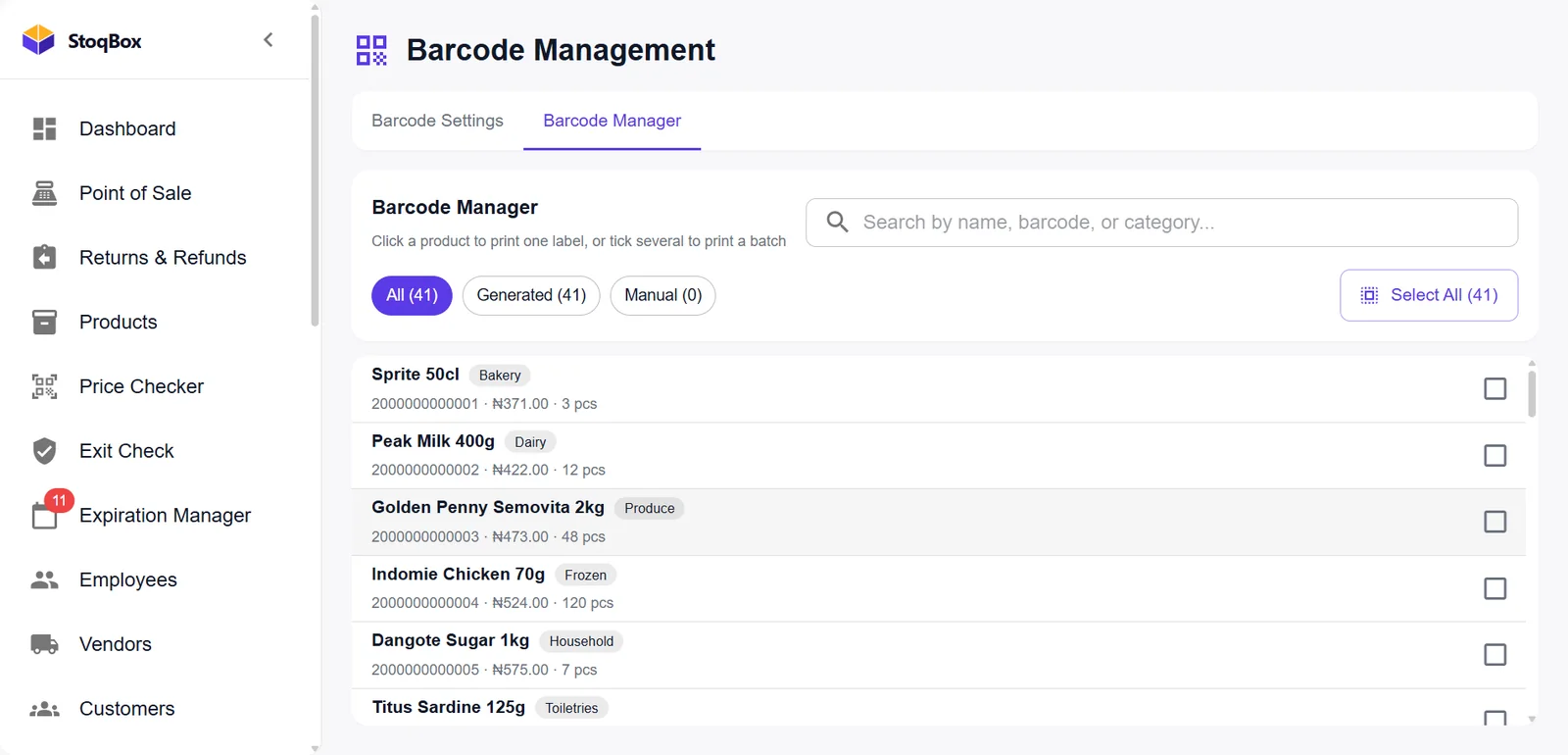
Make barcodes for products that come without one, and print a sheet in one go.
Peak Milk 400g · ₦4,220
People and money
Customers, suppliers, staff and every naira that goes out.
Know your regulars.
Profiles and purchase history for the customers who come back.
Deliveries and what you owe.
Every supplier with their deliveries and your payments to them.
Attendance and pay.
Who came in, positions, salaries, bonuses and deductions.
Money out, by category.
Generator diesel, NEPA bill, rent, cleaning — recorded with who paid and how.
Returns done properly.
Every return links to its original sale. Stock and figures stay correct.
Control and reports
Who may do what, a record of what they did, and the numbers in plain sight.
Every hand has a name.
Each staff member signs in as themselves. More than 90 switches decide what they can do.
Who did what, and when.
Voids, discounts, price changes and refunds — each with a name and a time.
Profit, the honest way.
Worked out from what goods cost you when you sold them. Save to PDF or Excel.
VAT, worked out for you.
Set your rate once. Every receipt and report shows it.
Backups and locked exports.
Back up and restore in a few clicks. Exports need the owner's password, and the first-day passwords must be changed.
StoqBox Owner app · included with Enterprise
Your shop,
in your pocket.
The questions every owner asks, answered on your Android phone — about 10 seconds behind the counter, and to the naira.
Am I making money today?
Today's takings against yesterday, the profit on what you sold, sales, average basket and items — with a chart of the day.
What am I about to run out of?
Low stock, goods about to expire and products that have stopped selling, in one list called Needs you.
Is anyone stealing from me?
Every cash shift's result in plain words, every void and refund, and your cashiers side by side.
- "₦500.00 short", the moment a cashpoint closes
- Voids and refunds with names
What is my stock worth?
At what it cost you and at what you'll sell it for — overall and by category.
What needs my attention?
A permanent Inbox: shortages, low stock, expiry and the daily report. Quiet hours hold alerts until morning, unless the shop goes silent.
Is my shop's system healthy?
Which cashpoints are on, when the shop last reported and when your licence renews. If the shop goes quiet, the phone says so — in words.
- Lock the app with your fingerprint
- Hide every amount with one tap
Connected in a minute.
Inside the app
See the real screens.
These are screenshots of StoqBox Enterprise, exactly as it runs today.
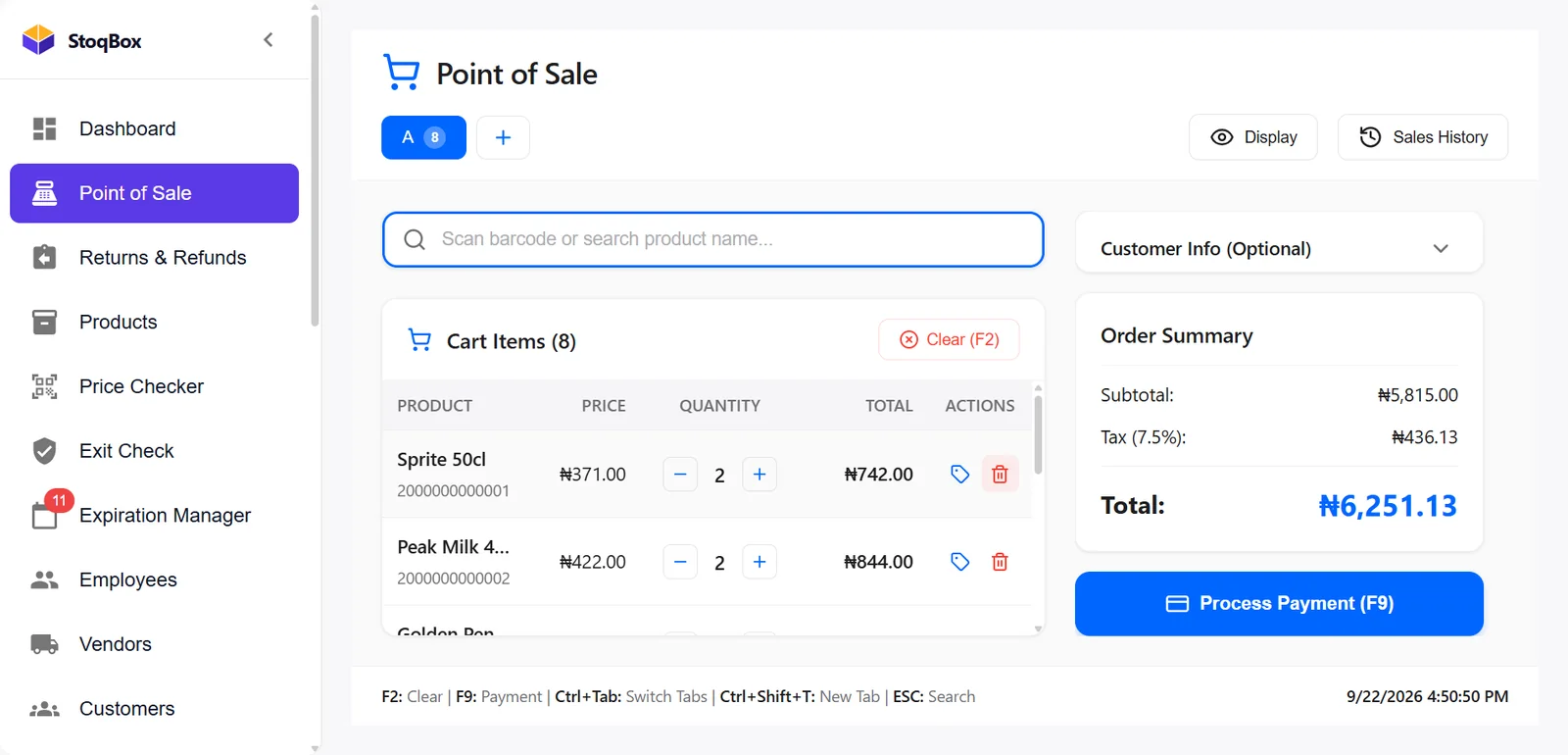
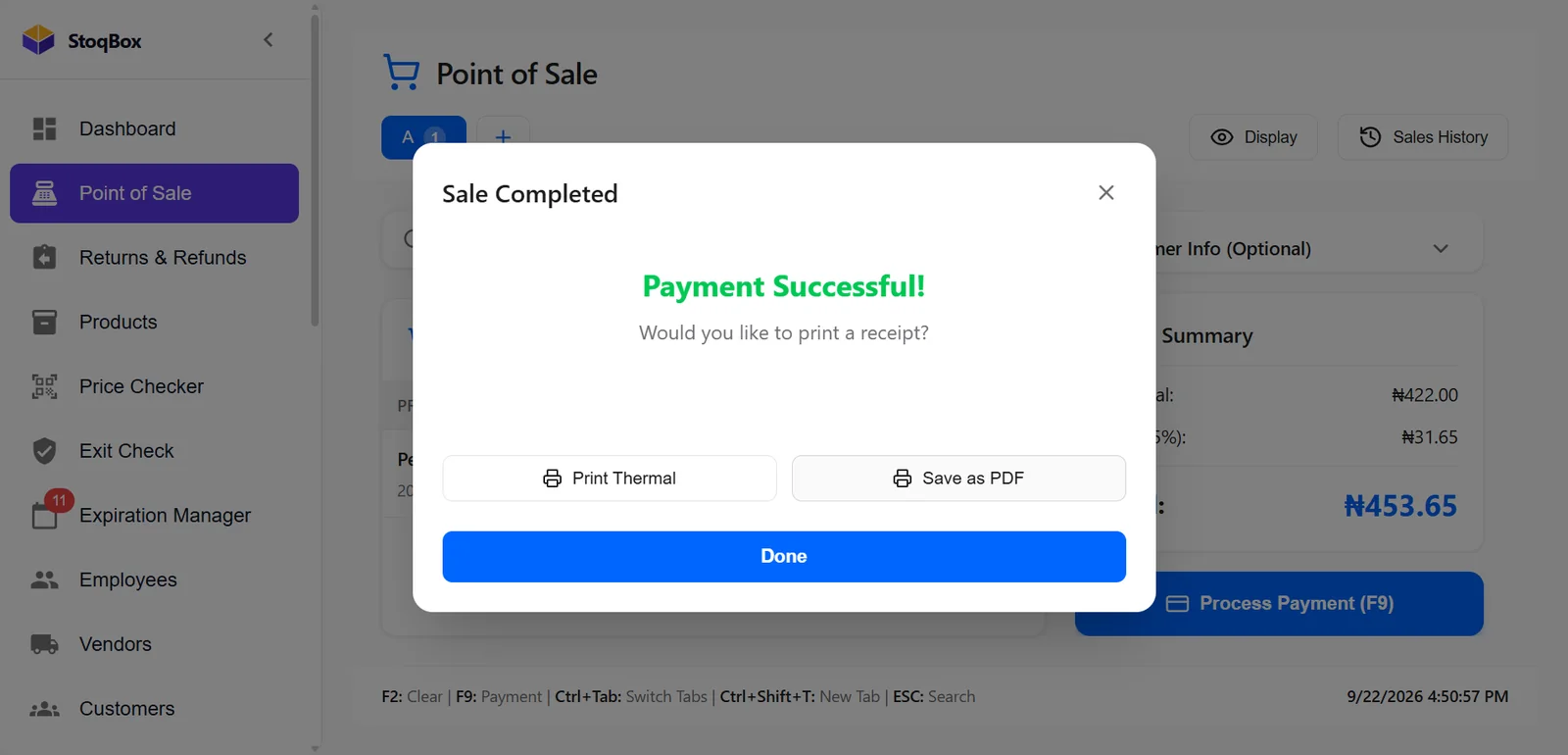
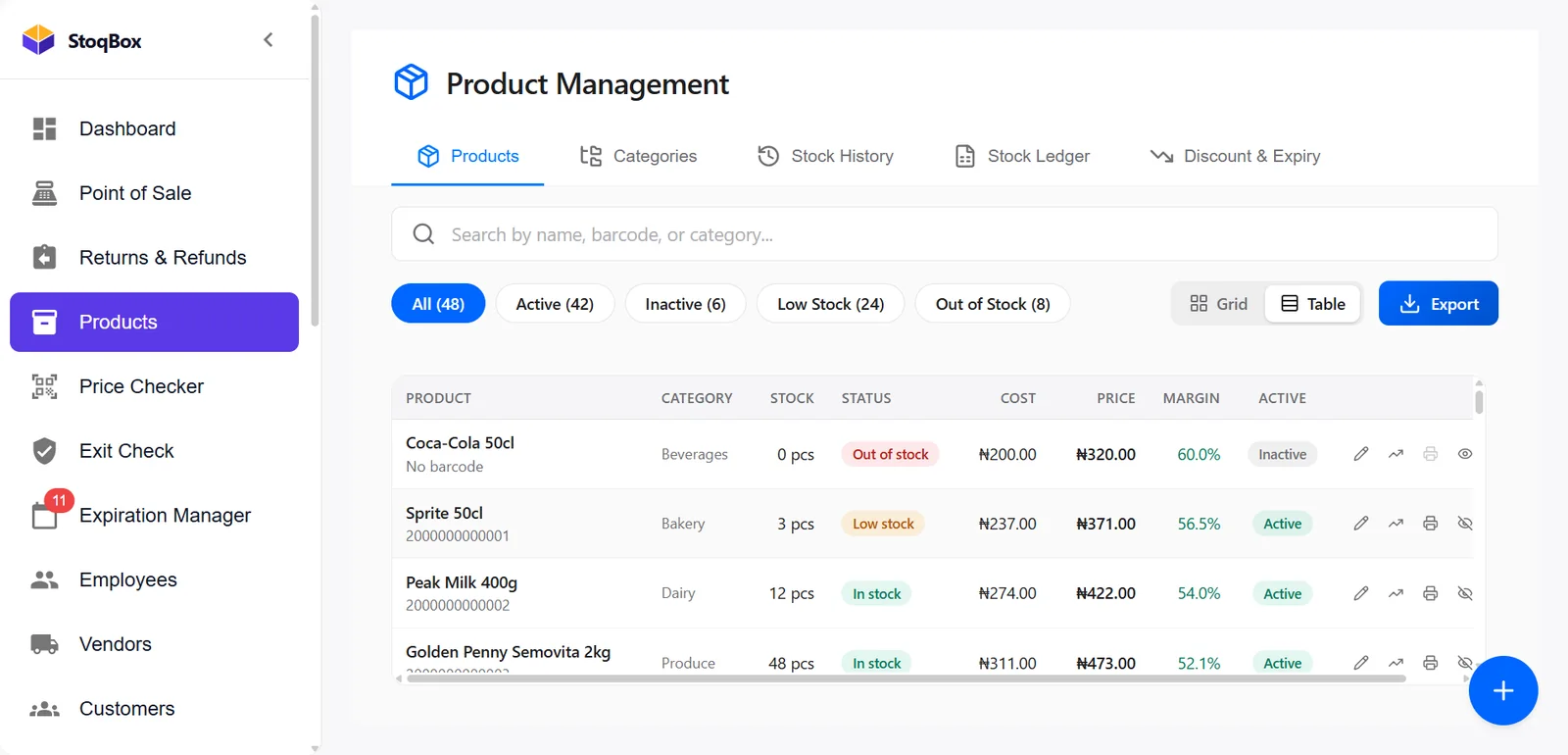
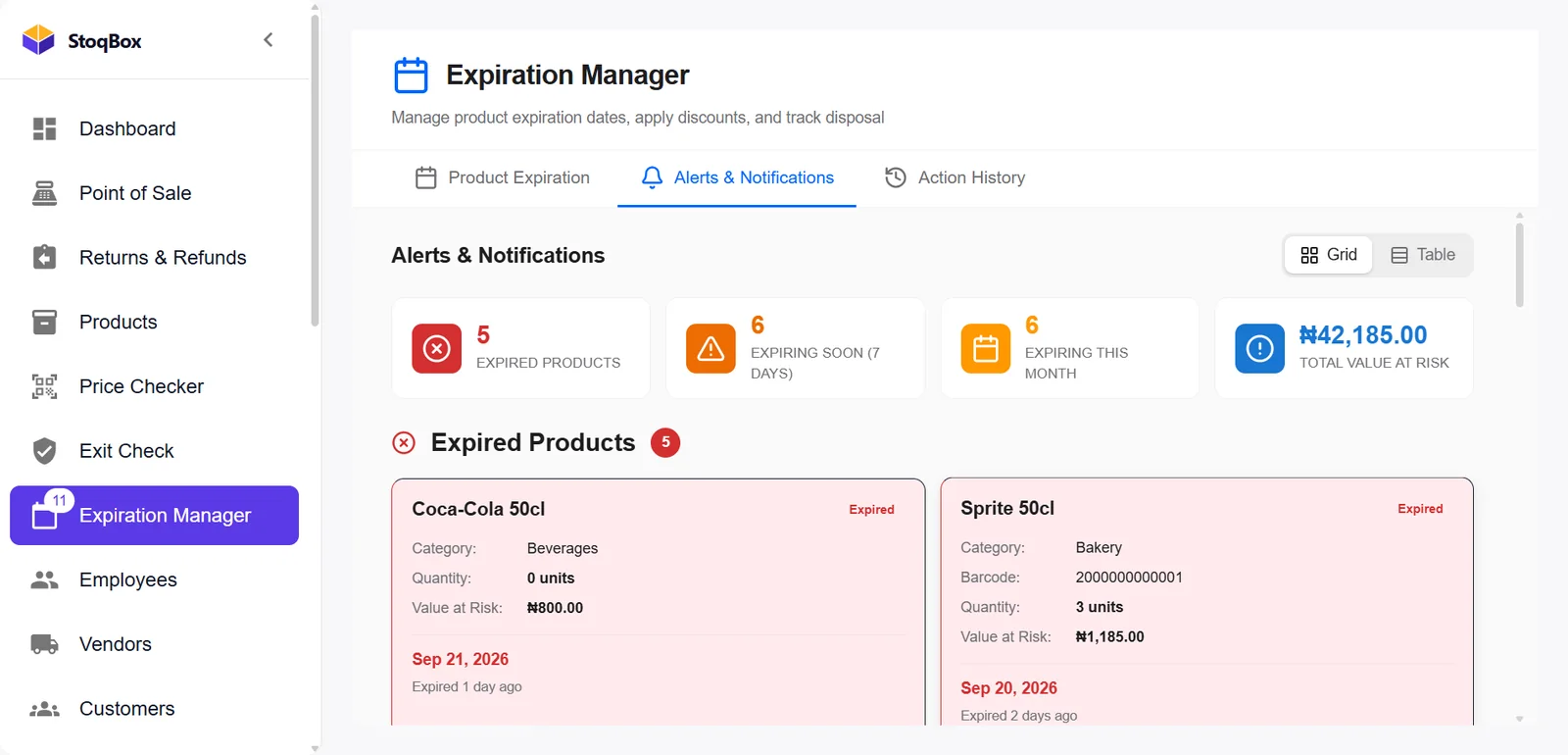
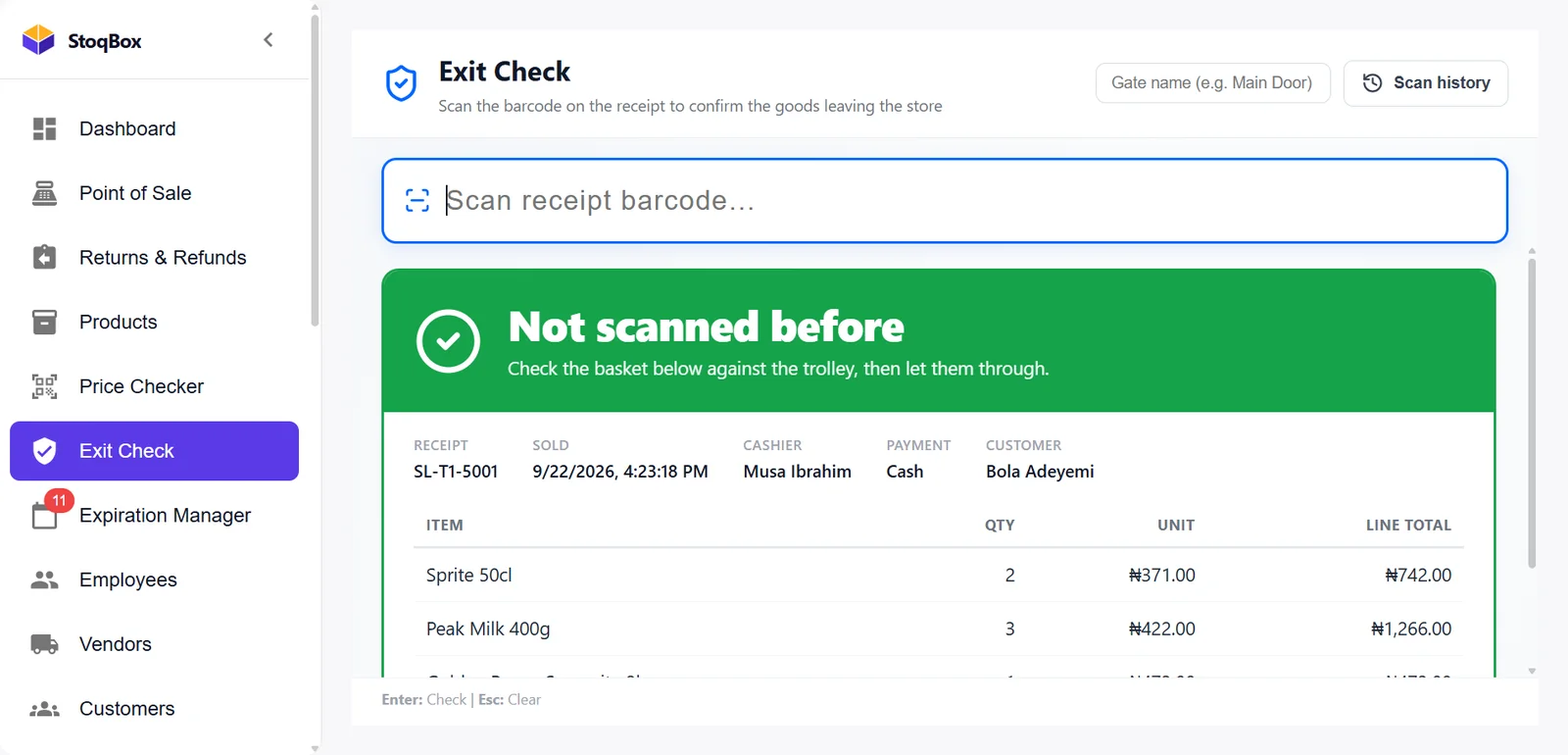
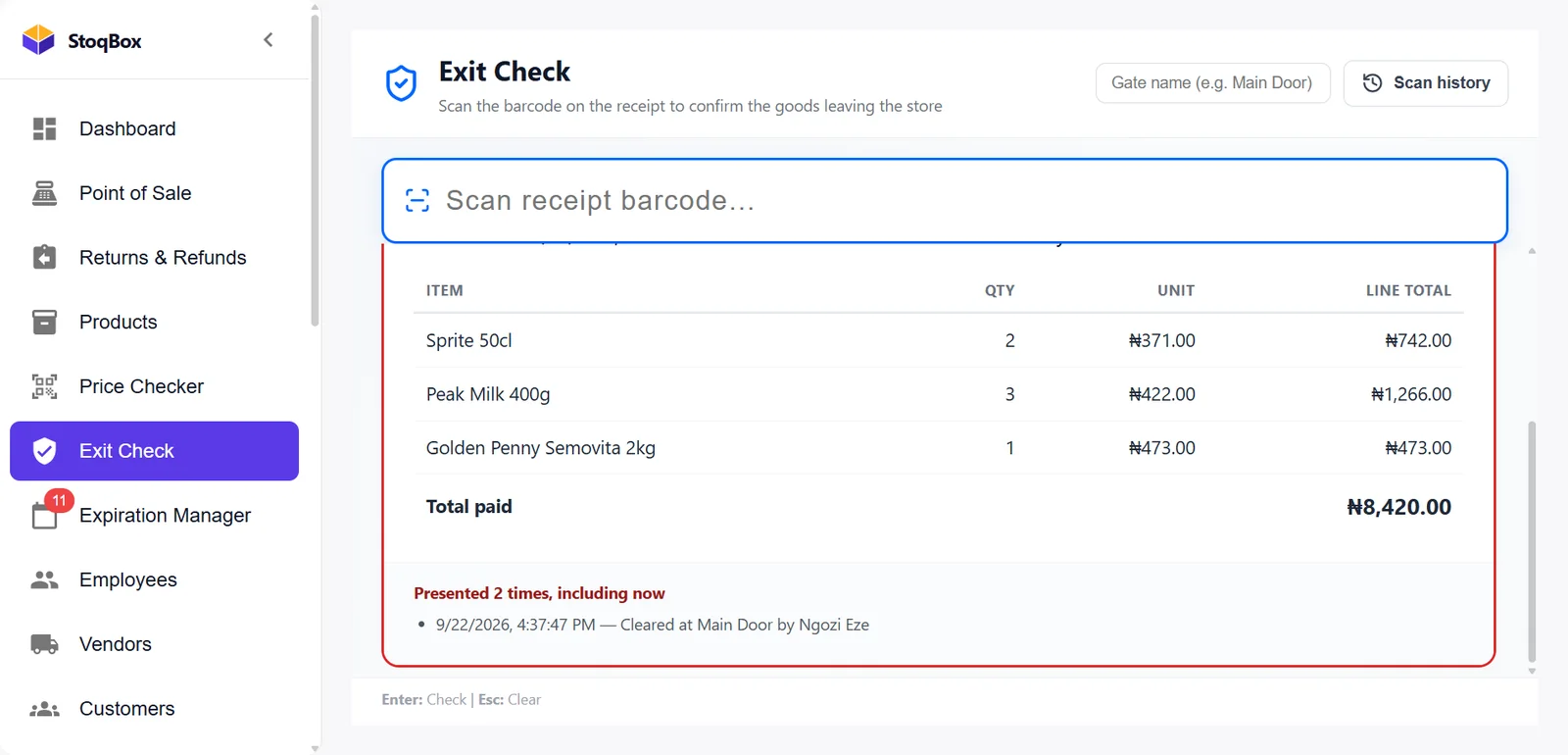
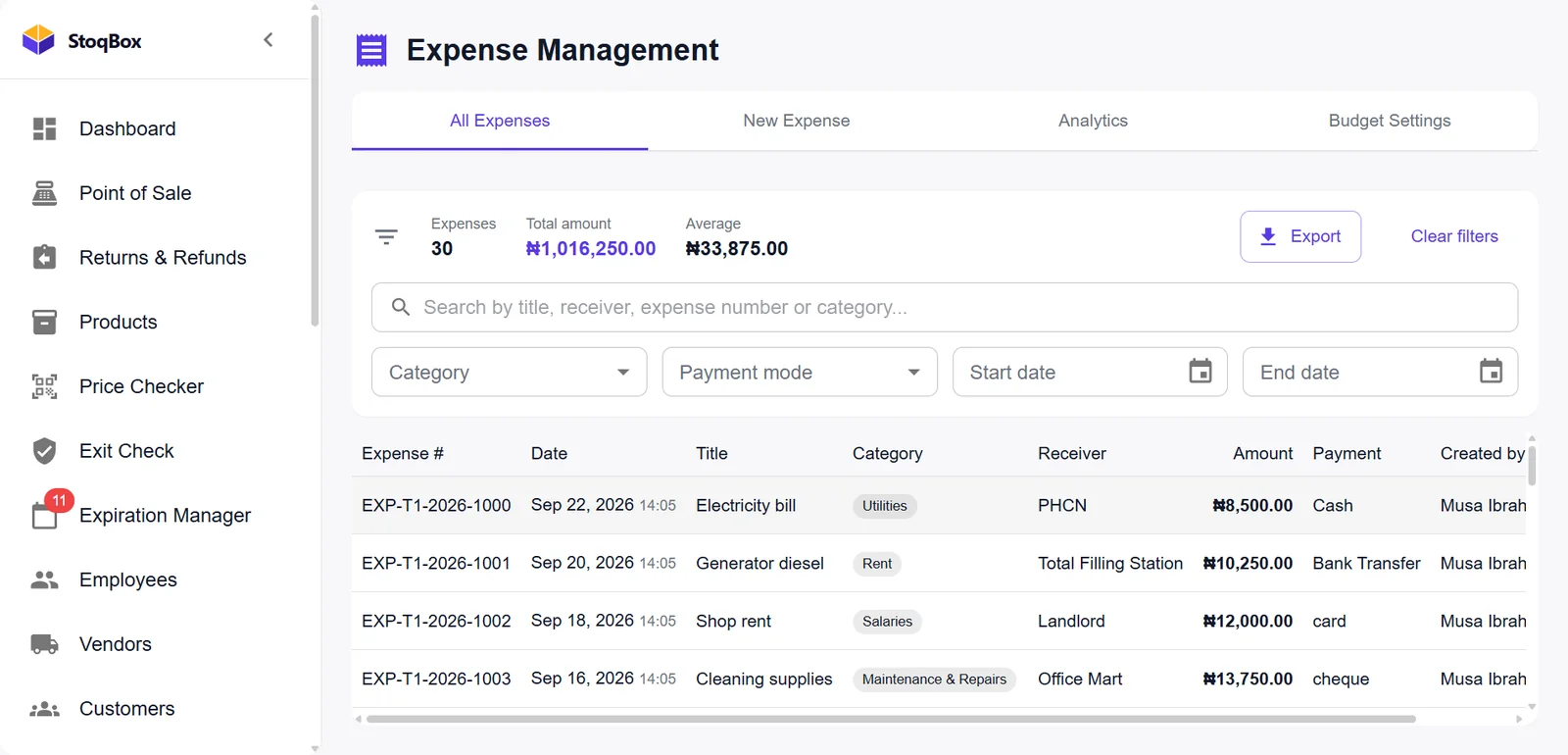
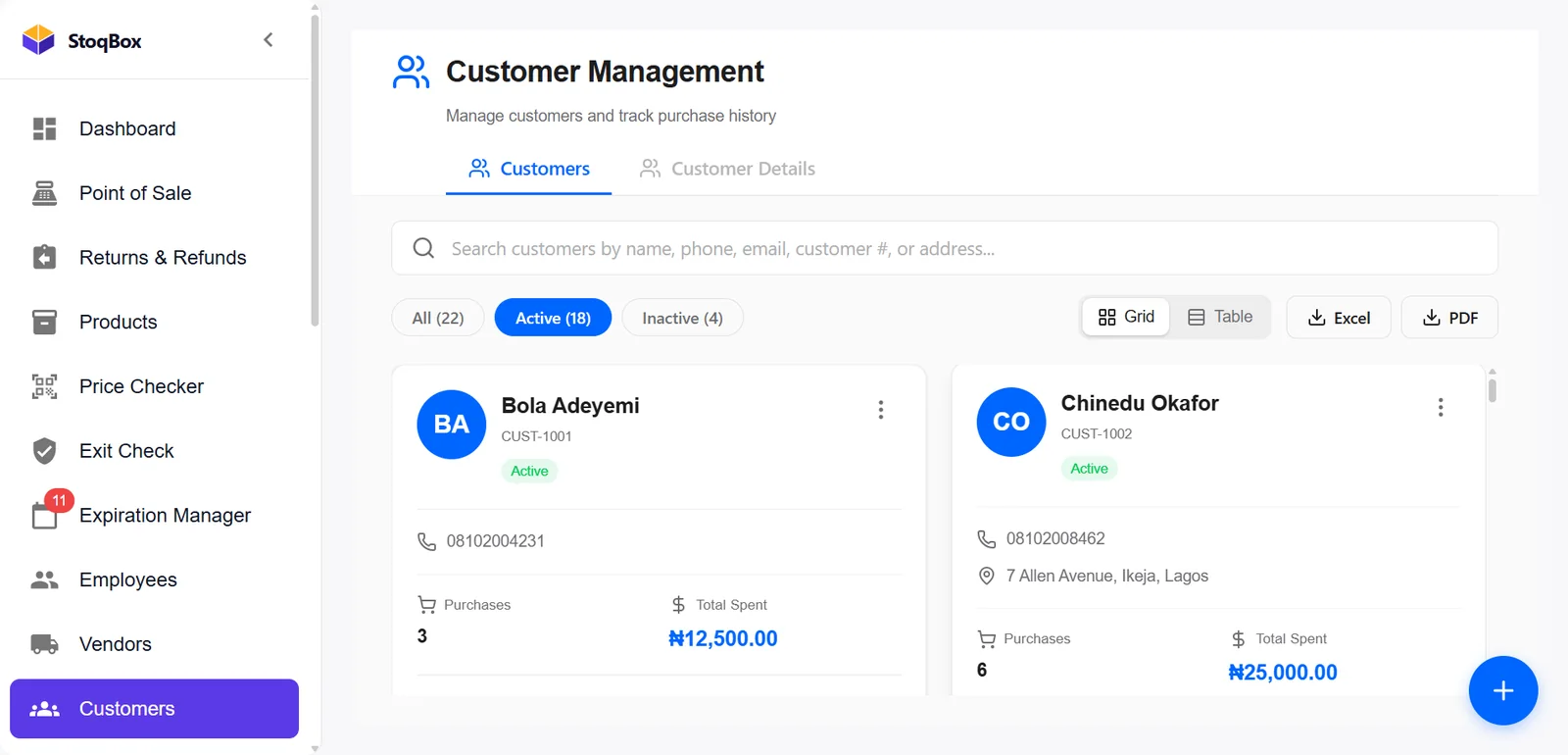
Works without internet
No network.
No problem.
Your cashpoints talk to each other over your shop's own network. A new cashpoint receives your products, prices and staff accounts from the main one. Switch the internet off and try it.
Both cashpoints always know the shop's total. Try it with the internet off.
In a real shop a sale reaches the owner's phone in about 10 seconds. Here, while the internet is off, one second stands for one minute.
Editions
Sized by your shop.
One yearly licence. Every edition has every feature — the difference is how many cashpoints and shops it covers.
One cashpoint
For a mini-mart or provision store with one counter.
- Every StoqBox Enterprise feature
- Setup and staff training
- StoqBox Owner app
- Updates
Several cashpoints
For supermarkets with more than one counter, all in step with no internet.
- Everything in Counter
- Cashpoints in step over your network
- Customer screen at every counter
Several shops
For owners with more than one shop.
- Set up with you, shop by shop
What you need
Probably what you already have.
Optional: a second screen for customers, a scanner at the door for exit checks, and internet on the main computer for the Owner app.
Questions
About StoqBox Enterprise.
Can StoqBox run more than one cashpoint?
Yes. StoqBox Enterprise runs one cashpoint or many in the same shop, kept in step over the shop's own network — no internet needed between them.
What happens when the internet goes off?
Nothing changes at the counter. Every cashpoint keeps selling and printing receipts, and they still agree on the day's total. Only the Owner app waits — it shows the last figures it received and says so — and catches up when the internet returns.
How is the StoqBox Owner app paired with my shop?
On the shop computer, switch on the owner's phone in Settings and scan the square code with your phone. You sign in with a 6-digit code sent to your email.
Is my data safe? Who can see it?
Your records stay on your shop's computers. If you switch on the Owner app, only what the phone needs is sent — never customer names, phone numbers or payroll — every upload is signed, and each shop's figures are walled off from every other shop's.
Do you set it up for us?
Yes. We set StoqBox up with you: your products, prices, printer and staff logins, and we train your staff. Both are part of the licence.
See it on your own products.
Book a free demo. A real person will walk you through StoqBox Enterprise.